Automating invoicing in an SME: customer invoices, supplier bills and reminders
How to automate invoicing in an SME: customer invoices and supplier bills, GST and QST, reminders and payments, always approved by a person.

Alexandre Sauvageau, co-founder of Cogio
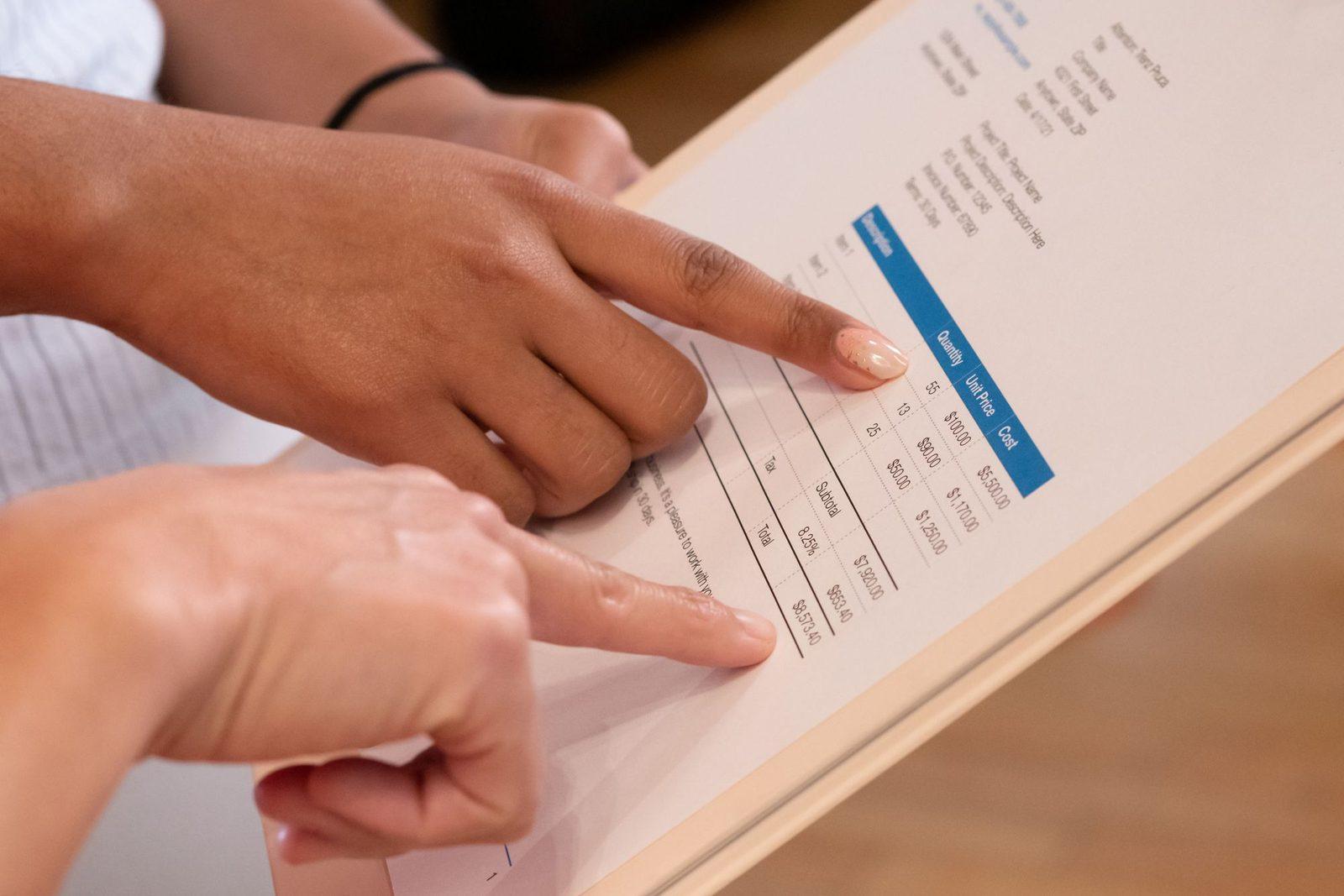
The two kinds of invoicing in an SME
When a business owner talks about invoicing, they usually mean the invoices they send. Those bring the money in: the monthly invoice for a regular customer, the one for a construction milestone, the one for an order shipped yesterday. Each one means pulling together scattered information, such as the packing slip, the timesheet or the price agreed in the quote, then following up on payment.
The other kind of invoicing happens out of sight. These are the bills the business receives from its suppliers, subcontractors and carriers. They have to be opened, read, checked, entered, approved and paid on time. In many SMEs, they take as many hours as the invoices going out.
Accountants call these accounts receivable and accounts payable. Both can be automated with the same logic: an AI agent does the preparation inside your tools, and a person reviews and approves. Business software whose agents work this way is called an agentic ERP.
What can be automated on the customer side
A customer invoice almost always starts with an event: a delivery, a milestone reached, the end of the month. That trigger is what the agent watches for. It then works in four steps.
- Preparation. At delivery or at the milestone, the agent pulls the packing slip, the hours logged or the percentage of completion. It applies the prices from the accepted quote and prepares the invoice in your software. It flags anything that does not match, such as a quantity shipped that is higher than the quantity ordered.
- Sending. The invoice and its email wait for your approval. Once approved, they go to the right contact with the documents the customer requires, such as their purchase order number or the delivery report.
- Graduated reminders. On the schedule you set, the agent drafts a polite reminder. Later, a second, firmer one. Beyond that, it prepares the file for the call a person will make. Every reminder is saved as a draft, in your company’s tone.
- Matching payments received. When a payment comes in, the agent matches it to the right invoice, even when the customer pays three at once or holds back part of the amount. Any difference goes to accounting, which makes the call.
What can be automated on the supplier side
Here, the agent starts from an inbox. Bills arrive as PDFs, sometimes in the body of the email, sometimes three to a file. Our article on supplier invoice entry in QuickBooks covers data entry in detail for project-based businesses. Here is the full path, all the way to payment.
- Reading. Supplier, number, date, due date, lines, pre-tax amount, GST and QST: the agent extracts each field and checks that the bill has not already been entered.
- Tax checks. It confirms that the bill carries the information required to claim input tax credits, including the supplier’s registration numbers. The next section lists them.
- Matching. It compares the bill to the purchase order and the receipt of goods: same items, same quantities, same prices. If everything matches, the bill moves on. If not, it shows the difference in dollars.
- The entry. It suggests the expense account, the job or the order, then prepares the entry in your accounting software with the PDF attached.
- Payment. On the due date, it groups the approved bills into a payment proposal. An authorized signer approves it before a single dollar goes out.
The information a purchase invoice must show
To claim input tax credits (GST) and input tax refunds (QST), a registered business must keep supporting documents that show certain information. Revenu Québec sorts the requirements by the total value of the purchase, taxes included. The table below follows its grid.
It is an easy check on one invoice and a long one on five hundred. An agent runs it on every one. When a registration number is missing from a $1,200 bill, the agent flags it before approval. Accounting then asks the supplier for it, and according to Revenu Québec, the supplier is required to provide it.
| Information | Under $100 | $100 to $499.99 | $500 or more |
|---|---|---|---|
| Supplier’s name or business name | Yes | Yes | Yes |
| Invoice date | Yes | Yes | Yes |
| Total amount | Yes | Yes | Yes |
| Amount of tax | QST only | Yes | Yes |
| Supplier’s GST and QST registration numbers | No | Yes | Yes |
| Buyer’s name or business name | No | No | Yes |
| Payment terms | No | No | Yes |
| Description of the goods or services | QST only | QST only | Yes |
Task by task, who does what
The table sums up how the work is shared. The right-hand column matters most: it shows where the agent stops.
| Task | Today | With an agent | Who approves |
|---|---|---|---|
| Customer invoice | Retyped from the packing slip or the hours | Prepared at delivery or at the milestone, at the quoted prices | A person approves sending it |
| Customer reminders | Sent when someone remembers | Drafted on schedule, firmer each time | A person reviews and sends |
| Payments received | Ticked off by hand against the bank statement | Matched to the right invoice, differences flagged | Accounting settles the differences |
| Supplier bill | Opened, read and entered line by line | Read, checked and prepared in the accounting software | Accounting approves |
| Matching to the order | Done when time allows | Done on every bill, difference shown in dollars | The buyer decides what to do about the difference |
| Supplier payments | List built by hand on the due date | Payment proposal prepared on the due date | An authorized signer approves |
A Granby manufacturer’s experience
Les Industries Romy fabricates and installs structural steel in Granby. Before the project, supplier invoices arrived by email and were entered by hand. Labour and material costs were not tracked by job, so nobody knew the total spending on a job in progress.
Today, the supplier invoice agent is in production. It reads the bills that arrive by email, matches them to the right job and writes them into QuickBooks through its programming interface. Accounting reviews and approves instead of typing. Job costing builds up as the work happens rather than at month end. According to management’s estimate, the time spent on this work went from 12 hours to 1 hour a week.
Two design rules show the spirit of the system. A bill is never recorded without its pre-tax amount. A dollar threshold, set by management, decides what waits for approval. The same principles apply to customer invoicing and payment reminders, which are configured to each company’s rules.
These figures are management’s estimate, based on watching its own teams. They have not yet been measured over a full year. Robin Langlois, owner of Les Industries Romy, is also a co-founder of Cogio. The details are in the Romy case study.
The controls that make automation safe
Automating invoicing means trusting software with part of the path your money takes. Internal controls stay in place. They become written, systematic and verifiable.
- Dollar thresholds. Below an amount set by management, the agent prepares and logs. Above it, the agent waits for approval. A payment always waits for one.
- Separation of duties. The agent that prepares a payment does not approve it. The person who adds a new supplier is not the one who approves that supplier’s payments. Roles are set up the same way as for employees.
- A log of every action. What the agent read, what it proposed, who approved and when. Your external accountant and your auditor can read it without technical help.
- Banking details, confirmed by a person. The Royal Canadian Mounted Police describes the scheme: a fraudster uses a supplier’s compromised email account to announce new banking information. So the rule is simple. The agent never applies a change of banking details. It flags the change, then a person calls the supplier at a number already on file, never the one in the email.
- Duplicates stopped. Same number, same amount, same supplier: the agent holds the bill before it gets paid twice.
Which software it works with
The agents work inside the software you already use. QuickBooks, Sage 50 and Acomba are supported from day one, along with Outlook and Excel. If your accounting lives in an ERP, the agents connect to it through its programming interface or its exports, for example with Acumatica or Business Central.
If your invoices are still prepared in a spreadsheet, it is often the right time to bring sales, purchasing and accounting together in one place. Cogio designed a free ERP, with no licence to pay and no per-user fees. The agents handle the data entry. Your data from QuickBooks, Sage 50 or Acomba is carried over.
Construction contractors have their own billing rules: monthly payment applications, holdbacks, subcontractor releases. Our construction page describes what the agents prepare for them.
To compare the tools, see our comparisons of invoicing software and accounting software in Quebec.
Where to start
Start with the side that costs you the most hours. In an SME that buys a lot, it is often the supplier bills: they come in volume, their rules are clear and the gain shows within the first few weeks. In a services business that bills by the hour, it is more often the customer invoices and their reminders.
Before you choose, track for one month the number of bills received, the number of invoices sent and the average time between delivery and invoice. Also note how many customer invoices are paid late. Those figures are your baseline. The method for measuring the gain afterwards is in our article on the ROI of an AI assistant.
A customer invoice often starts with an accepted quote. Our guide to automating quotes covers the earlier part of the same job. The public programs that can fund part of the project are on our Funding page. To see the workflow on your own invoices, write to us.
Frequently asked questions
How do you automate invoicing in an SME?
By handing the preparation to AI agents that work inside your accounting software or ERP. On the customer side, they prepare invoices from deliveries or hours and draft the reminders. On the supplier side, they read the bills received by email, check them and prepare the entry, then the payment. A person approves every invoice sent and every payment.
What software do you need to automate invoicing?
The software you already have. The agents work in QuickBooks, Sage 50, Acomba or an ERP, along with Outlook and Excel. If you do not have an ERP, Cogio’s is free, with no licence to pay and no per-user fees.
Can an AI agent pay a supplier bill on its own?
It prepares the payment, then it stops. The payment waits for an authorized signer’s approval. Any change to a supplier’s banking details is confirmed by a person, by phone, at a number already on file.
How much does invoicing automation cost, and is there funding?
The cost depends on the number of workflows, the volume of invoices and the software to connect. A diagnostic puts a price on it before any commitment. Public programs such as ESSOR and MFOR can fund part of the project or the training, depending on your industry and size. Current rates are on the Funding page at cogio.ai.
What happens to the person in charge of accounting?
Their work shifts from data entry to review. They approve the prepared invoices, settle the differences and handle the files that call for judgment. At Les Industries Romy, no position was cut: the time freed up goes into taking on more contracts.
Sources and references
This article is a plain-language summary, accurate as of the date shown. It is not legal, tax or financial advice: for your own situation, consult a qualified professional.
Read next
ERP and automation
Agentic ERP: definition, examples and how it differs from a traditional ERP
Read
ERP and automation
Automating supplier invoice entry in QuickBooks
Read
ERP and automation
Automating quotes in an SME: from the request for a price to the quote sent
Read
ERP and automation
Automating purchasing in an SME: purchase orders, reordering and three-way matching
Read
ERP and automation
Invoicing software in Quebec: 2026 comparison for SMEs
Read
A question about your own project?
The discovery call is free and takes half an hour. You leave with an honest read on your situation.
Let’s talk about your project