
Engineering and architecture
Less production, more design
Custom AI agents for engineering and architecture firms: surveys, specifications, drawings, hours, mandates and proposals. The agent prepares. The professional reviews, signs and seals.
- Drawings prepared faster
- Client plans protected
- Connected to your tools
Your clients’ plans stay with you
Plans, specifications and reports often belong to your clients and engage your professional liability. Sovereign AI processes them on a server installed on your premises or hosted in your region. It is designed to support your Law 25 obligations and your mandates’ confidentiality requirements.
On your server
Installed at your office or hosted in Quebec by a Canadian-owned provider. Your plans never go through an outside AI provider.
Never trained on your plans
The agents read your documents at the moment they answer and cite their sources. No model is retrained on your projects.
You own it
Open models, documented configuration, no per-seat fees. If you leave, everything keeps working.
Connected to the tools you already use
Microsoft 365
 Outlook
 SharePoint
- Excel
 Teams
Drawing
- AutoCAD
- DXF
Accounting
 QuickBooks
 Sage 50
 Acomba
Use cases
Each agent is set up around your templates, your drawing standards and your tools. It prepares the work. The engineer or architect reviews, signs and seals.
DXF drawings
From a sketch or a survey, the agent prepares the drawing in DXF following your layers and conventions, with every version archived. The professional reviews, adjusts and approves it: nothing is sealed without them.
Surveys
Field notes, photos and measurements gathered and cleaned up in your survey template, ready for checking.
Specifications
Specification sections prepared from your master specs and the project requirements, departures from your templates flagged for review.
Proposals
Request for proposals read, requirements listed, comparable projects and team résumés drawn from your archives: the proposal is prepared for your review.
Hours and mandate tracking
Hours matched to the right mandate, budget overruns flagged to the project manager before they pile up.
Mandate billing
Progress and hours gathered into a draft invoice following each mandate’s terms, validated before it is sent.
Search across your projects
Standard details, calculations and reports from past projects found with a simple question, with a link to the source document.
Meeting minutes
Meeting transcribed, then summarized: decisions, owners and deadlines, linked to the mandate. The project manager reviews before distribution.
How we work
First step
Discovery call
Confirm that your need lends itself to a sovereign solution, and set the boundaries of what comes next.
Deliverable: An expert opinion on whether it is worth going further, plus a few recommendations on which implementations to tackle first.
Step 1
Digital diagnostic and plan
Confirm that the project is both buildable and profitable: a map of your processes, your data and your systems, then a dollar value for each use case.
Deliverable: A costed digital plan and a requirements document, often eligible under stream 1B of the ESSOR program.
ESSOR 1B (50%)
Step 2
Build and rollout
Implement the selected solutions on your infrastructure: install the server on your premises or with a Canadian-owned host in Quebec, configure your AI, and connect it to your environment and everyday tools.
Deliverable: A working solution in a controlled environment, technical documentation and test suites.
ESSOR 1C (50%) MFOR (75%) C3I (15% to 25%) RTRI (50%)
Step 3
Maintenance and support
Keep the solution fast and compliant: monitoring, model updates and a monthly report.
Deliverable: Uptime maintained, a bank of hours for enhancements, and documented governance.
Funding
Training your team is eligible under the MFOR program at up to 75%. The server and software may qualify for the C3I tax credit. Since March 13, 2026, the ESSOR program no longer prioritizes professional services. We check your eligibility on the first call.
Frequently asked questions
Another question? Write to us at support@cogio.ai.
Can the AI produce our drawings?
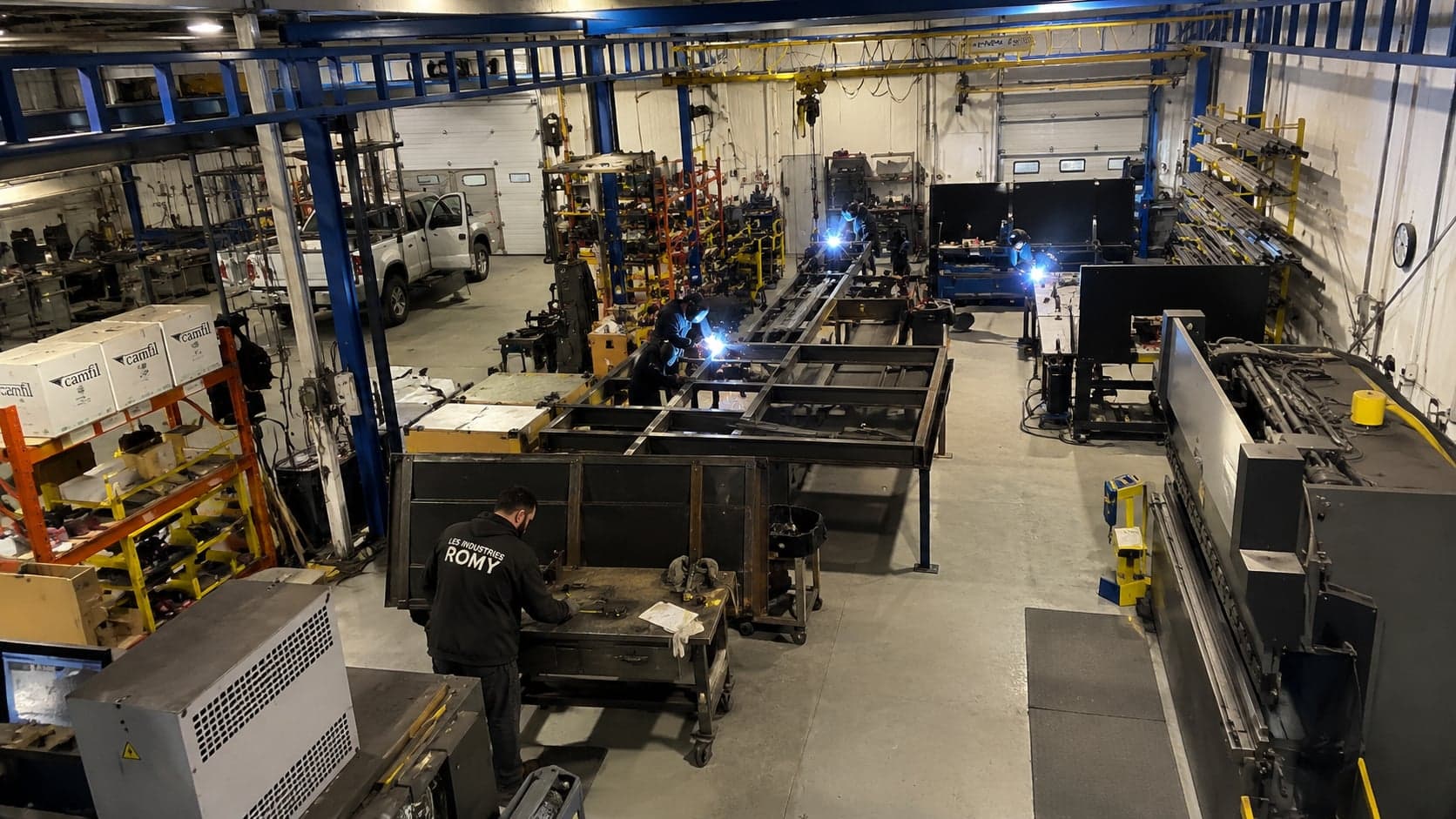
It can prepare them. At a structural steel fabricator, the agent reads the sketches and prepares the shop drawings in DXF. The drafter reviews, adjusts and approves them. In a firm, the same rule applies: the professional reviews, signs and seals.
Who is responsible for what the AI prepares?
The professional who signs it. The agent seals nothing and sends nothing without approval. Every version is archived and every action logged.
Do our clients’ plans stay confidential?
Yes. The server is installed on your premises or with a Canadian-owned host in Quebec. No plan is used to train a model and no outside AI provider receives it.
Does the AI work with AutoCAD?
Yes. The agents produce DXF files that your drawing software opens directly, following your layers and conventions. We look at your other tools on the first call.
Is an engineering or architecture firm eligible for funding?
Training your team is eligible under the MFOR program at up to 75%. Since March 13, 2026, ESSOR no longer prioritizes professional services. We confirm your case before any application is filed.
Free up your teams for design work
A free call with an expert: we look at your processes, tell you where to start and check your eligibility for grants.
or write to support@cogio.ai